







Runtime capture
Keys and dials
Stream Deck+
Home, weather, the next track, an agent with something to say. Same keys. Different job, depending on the room.
Everyday root · live local context

Local-first software for physical controls
StoatOS connects the apps, devices, spaces, and agents around you to the buttons, dials, and displays in front of you.
The hardware stays put. What it can do doesn't.
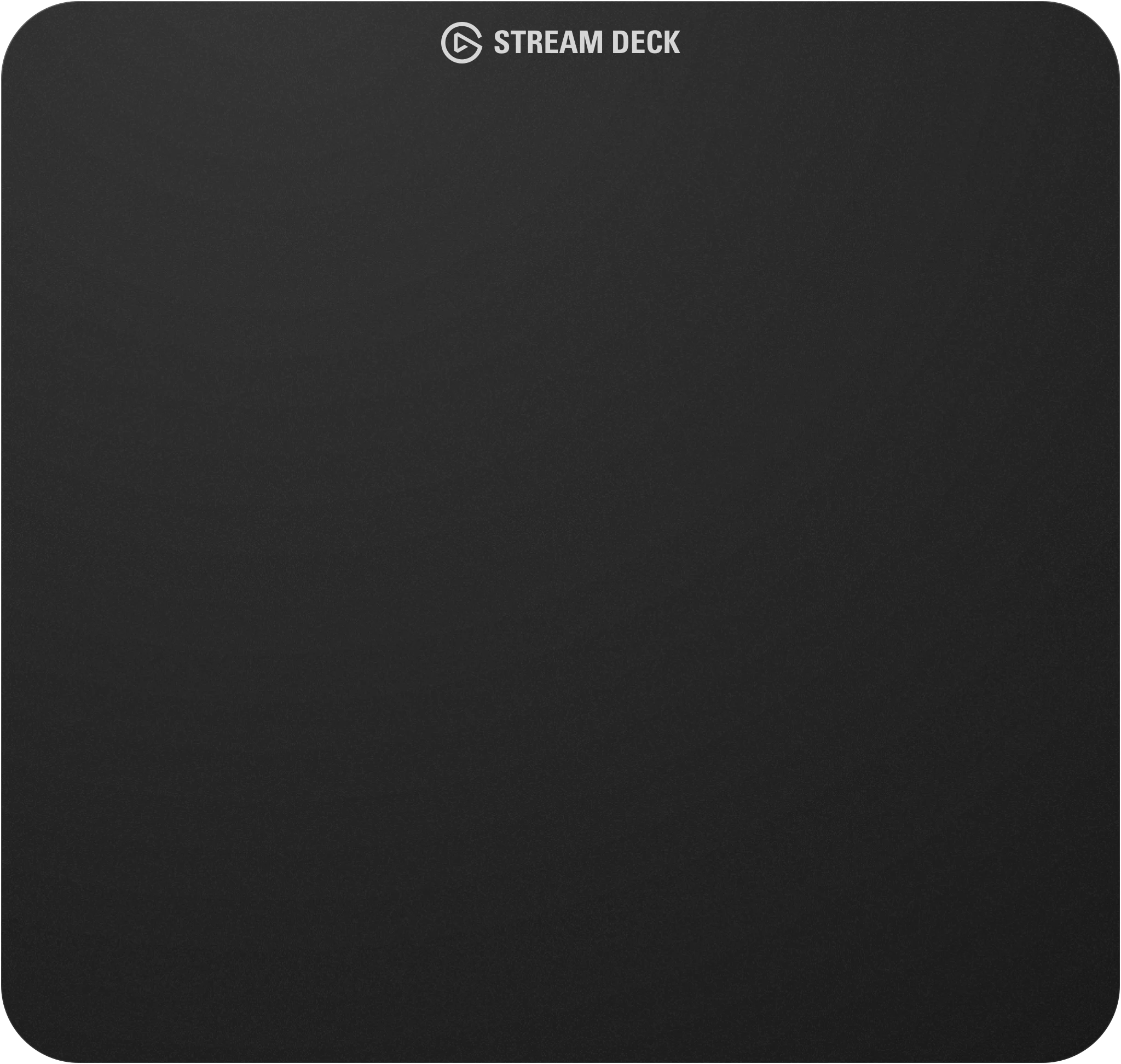
Illustration up top. Real hardware below.
But Home Assistant, Hue, Sonos, your solar array, and your AI agent all on the same buttons, dials, and displays?
That's more our thing.

Keys and dials, 1 of 5
One surface. Lots of worlds.
Context shift: Automation quiet → agent responding
StoatOS does not replace Home Assistant, a DAW, a factory game, or an agent. It gives them a shared set of buttons, dials, and displays.
StoatOS is for people who already build and tune their environments. Desks, rooms, games, and the occasional agent that has opinions.
Home Assistant, a game, a printer, an agent. StoatOS reads what's going on without shipping the picture somewhere else.
The same keys, dials, and displays take on different work as the moment changes. You keep rearranging.
Adaptation runs locally. You keep the workflows, the hardware, and the say over how the environment responds.
Hear when desktop builds and accounts open. Email capture waits on staging, so submit stays off — this page does not collect or store addresses.
See how the same buttons, dials, and displays pick up different jobs, or check whether your setup is on the path.


